Mobile live casino: how it compares with desktop play
Mobile live casino has moved from a novelty to a normal way to access streamed blackjack, roulette, baccarat, and game-show tables. A phone can connect to a real dealer, display the betting layout, and deliver live video while someone is travelling across Sydney or relaxing at home in Perth.
The basic experience is broadly the same across devices. Players still join a studio table, select wagers, watch the dealer, and wait for the result to be settled in real time. The main differences come from screen size, connection quality, controls, and how easily the device handles several information panels at once.
Desktop play usually offers a wider view and more room for chat, bet history, statistics, and multiple tables. Mobile play is more compact, often faster to launch, and better suited to short sessions, although the smaller display can make detailed table information harder to read.
Australian players also need to consider local regulation and operator availability. Online casino-style games are affected by the Interactive Gambling Act 2001, and access can vary between offshore services, licensed venues, and state or territory rules. Checking the current position, the operator’s terms, and responsible gambling tools matters before depositing funds.
The table experience on a phone
A modern smartphone can reproduce the central elements of a live dealer table with impressive accuracy. The dealer appears through a video stream, betting options are shown on a digital layout, and the player receives countdowns before the betting window closes. On a good connection, the interaction feels close to using a laptop.
Touch controls change the way bets are placed. Instead of clicking with a mouse, players tap chips, betting areas, and confirmation buttons. This is convenient when the interface is well designed, but a crowded roulette layout can be less forgiving on a small screen. A careless tap may select the wrong chip value or betting position, so reviewing the bet slip before confirmation is wise.
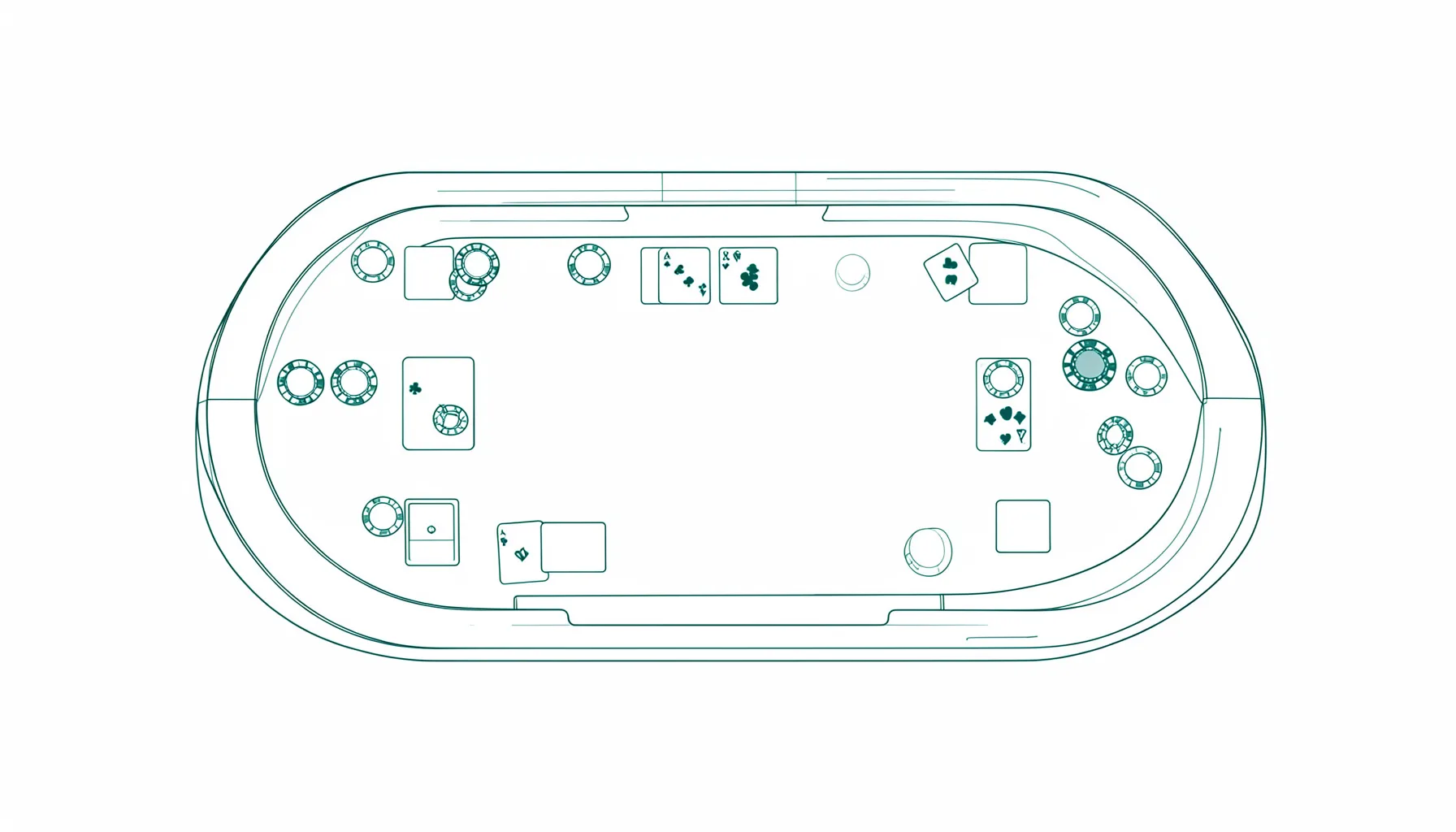
The live casino guide can help newcomers compare formats, dealer interaction, and the pace of different tables before choosing a mobile game. Blackjack is often simple to follow on a phone because the decision buttons are clear, while baccarat tends to involve fewer actions. Roulette offers a fuller layout and may require more scrolling or zooming, depending on the app or browser.
What desktop does better
A desktop monitor gives the streamed table more breathing room. The video feed can sit beside the betting layout, chat box, roadmaps, and game history without forcing the player to switch views. This is useful for baccarat players who like to review recent outcomes, or for anyone learning the interface for the first time.
A larger display is also helpful when several live tables are open. Some platforms allow players to move between games or use multiple windows, although doing so can make a session harder to follow. Desktop controls usually provide more precise mouse selection, and keyboard navigation may make login, stake entry, and menu use quicker.
Sound quality can be better on a desktop setup, particularly with headphones or external speakers. Clear audio helps players hear the dealer’s announcements and follow fast-moving game-show formats. In a busy Australian household, a laptop at the kitchen table may still be less private than a phone used with earbuds, though the larger display remains easier on the eyes.
Connection speed and mobile data
Streaming a live dealer game uses more data than a conventional digital casino game because it carries continuous video. Wi-Fi is generally the safer choice for longer sessions, while mobile data can work well when coverage is strong. A player commuting on Melbourne’s trains or travelling between regional towns may notice interruptions where signal strength changes.
A delayed stream creates a practical problem. Live casino platforms normally synchronise betting with the dealer and close the betting window at a fixed point, but weak connectivity can cause video freezes, slow buttons, or a late display of the result. Players should avoid repeatedly tapping a button when the screen appears unresponsive, since the wager may already have been accepted.
Australia’s distances make connection planning particularly relevant. A stable NBN connection in Brisbane or Adelaide can provide a smooth home session, while remote users may depend on 4G or 5G coverage. Closing unused apps, keeping the browser updated, and avoiding public Wi-Fi for account activity can improve reliability and security.
Battery use is another mobile concern. Video streaming, bright screens, and constant network activity can drain a phone quickly, especially during a long evening session. A charger or power bank is useful, but playing while the device is overheating may cause performance problems. A desktop or plugged-in laptop is usually better for extended play.
Pace, visibility, and dealer interaction
The pace of a mobile table is usually identical to its desktop version because the game runs on the operator’s live studio system, not inside the phone itself. A dealer spins the wheel or deals the cards for everyone at the table. The phone simply displays that broadcast and sends the player’s instructions back to the platform.
Screen size can still change how fast the experience feels. On a small display, the chat panel may be hidden, dealer statistics may require an extra tap, and game rules can be less visible. New players may prefer a slower blackjack table or a free-play mode until they know where the hit, stand, split, and double buttons appear.
Dealer interaction is available on both devices, but mobile users may be less likely to use chat. Typing on a phone while watching the action can be awkward, especially when the betting countdown is running. A desktop keyboard makes conversation easier, though chat is optional and does not affect the outcome of a properly operated game.
Game-show formats can be particularly demanding on mobile because they often include animated graphics, bonus rounds, and rapid announcements. The core result should remain clear, but players should choose a table with readable buttons and a video window that does not hide key information.
Choosing the right device for a session
Mobile is a strong option for convenience. It suits a short blackjack session, a quick baccarat round, or checking a table while away from a computer. A responsive browser can be enough, and many platforms adapt their interface automatically rather than requiring a separate application. Players should download software only from a trusted source and confirm that the address bar shows a secure connection.
Desktop is usually preferable for learning, comparing tables, or playing for longer periods. The larger view makes rules, limits, side bets, and game history easier to inspect. It also reduces the chance of tapping the wrong control. Anyone using a shared computer should remember to log out and avoid saving payment details in the browser.
The same principles apply when comparing live casino games with other sections of a gambling website. For example, a player browsing the slots selection may find that digital reels load more lightly than high-definition dealer video, although both can consume battery and data on a phone.
For Australian users, the best device is also the one that supports clear limits and a distraction-free setting. Deposit, session, and loss controls should be checked before play, and players should never treat live results or previous spins as evidence that a particular outcome is due. Whether the screen is a phone in Hobart or a monitor in Canberra, the rules and probabilities do not change with the device.